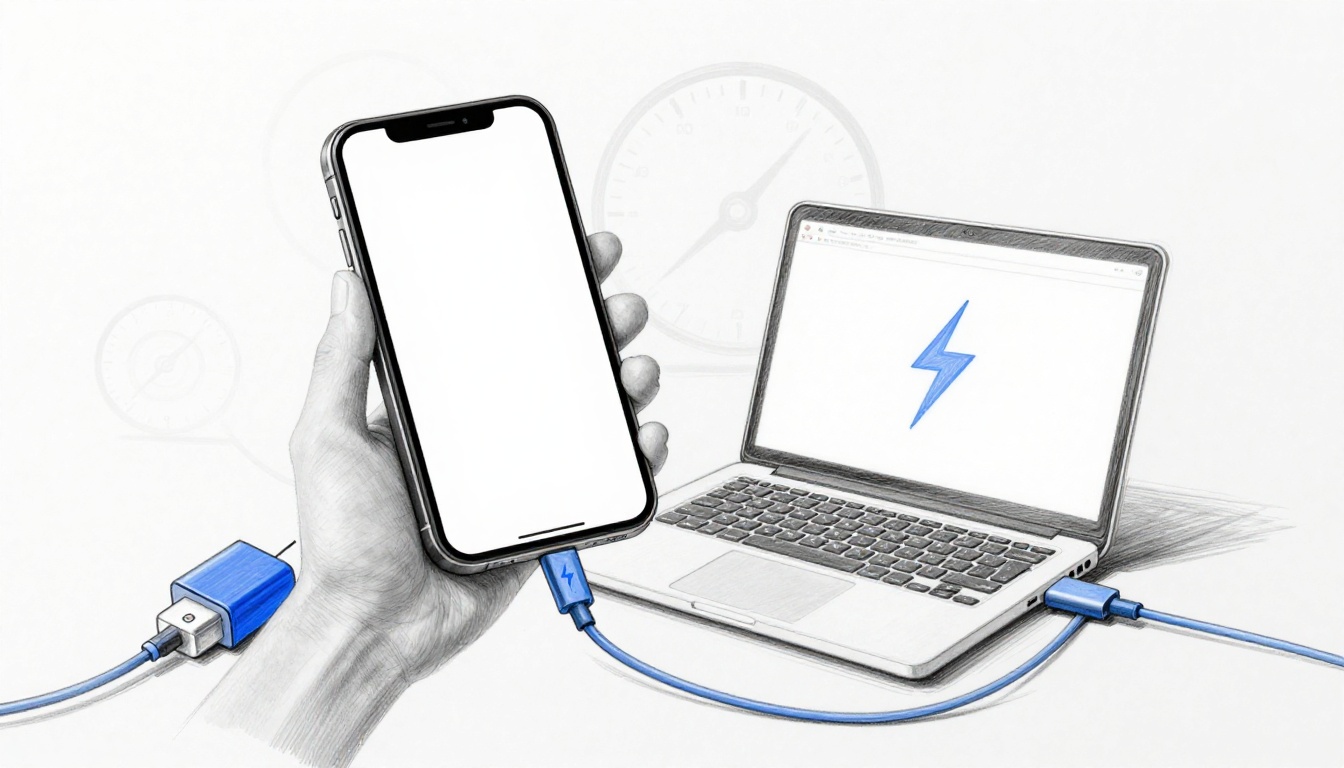
You plug in your phone, yet your friend’s Galaxy seems to refill in minutes while your iPhone or laptop crawls. In practice, charging speeds vary between devices because each phone, tablet, and accessory negotiates power differently based on its hardware limits, the cable, the charger, and the charging protocol in use. In 2026, many top wired models can reach about 45W to 150W, while wireless charging often tops out around 15W, so convenience comes with a speed tradeoff.
Charging also gets slower when the battery or room temperature runs high, when the device is doing heavy tasks, or when the adapter cannot supply the needed wattage. Next, this guide covers the main drivers behind these differences, so you can pick better gear and charge faster.
Hardware Inside Devices Sets the Speed Limit
Charging speed does not start at the wall. It starts inside the device, where battery size, heat limits, and power hardware set a practical ceiling. Even when two chargers both claim “fast charging,” the phone, laptop, tablet, or earbuds may only accept a portion of that power.
In other words, your charging setup behaves like a highway system. The charger can offer a wide highway lane, but the device may only allow a narrow road, based on internal capacity and safety rules.
Battery Size and Capacity Differences
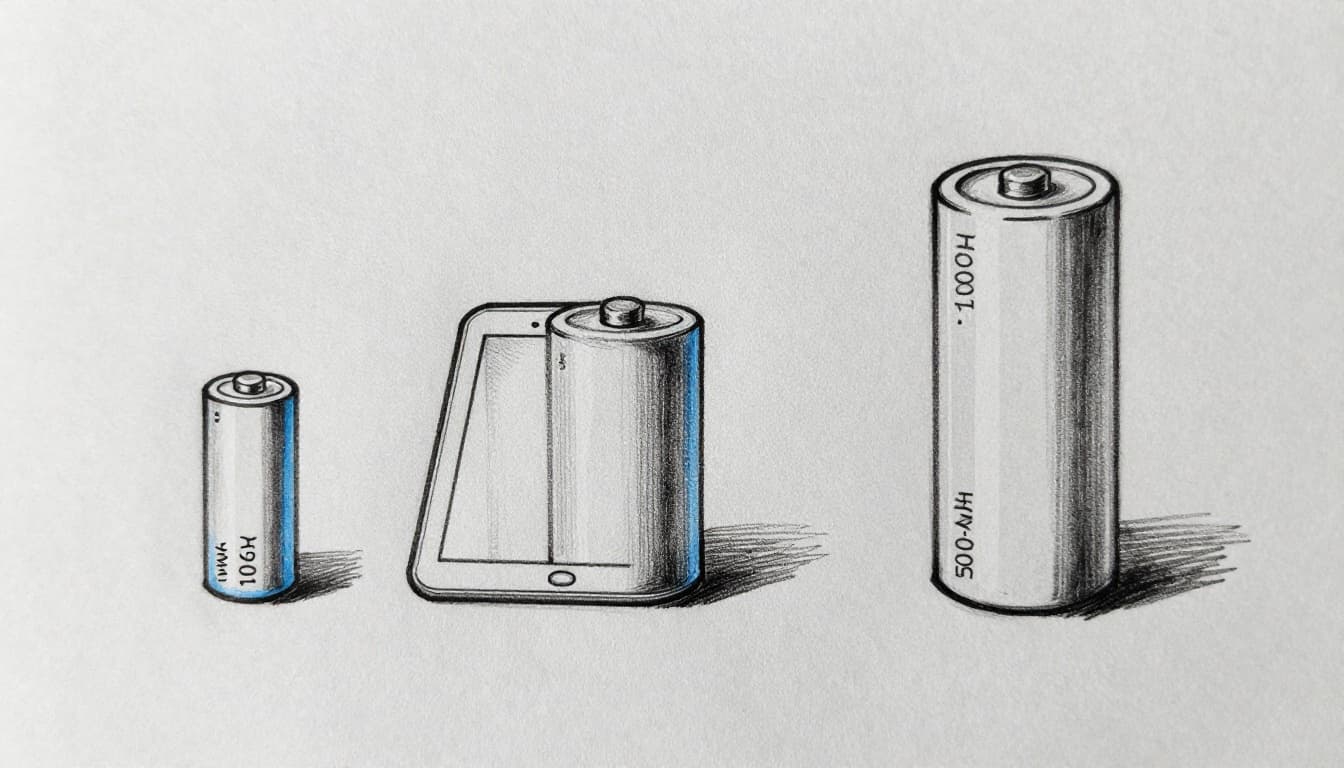
Battery capacity, measured in watt-hours (Wh), acts as the first “speed limit.” A larger pack requires more energy to reach 100%. Therefore, even if the device accepts the same watts, it will still take longer to fully fill a bigger battery.
Power scaling also matters. In most real designs, the charging system will not push the same power level for every Wh size. Instead, it often uses a mix of fast charge phases, then tapers to reduce heat and protect battery life as the pack nears full.
Most importantly, consumers often compare early charging minutes, yet devices optimize different targets. Phones usually hit fast percentage gains because their packs are smaller. Laptops and tablets, while they may support very high watts, still take more time due to their larger Wh totals.
A quick reference helps show why expectations vary:
| Device class | Typical battery size | What this means for charging |
|---|---|---|
| Phones | 10-130 Wh | Faster % gains are common, full charge takes less time. |
| Tablets | 40-90 Wh | Longer sessions are normal, even at high watts. |
| Laptops | 70-99 Wh | High watt support still yields longer full-charge times. |
| Earbuds | ~0.5-1 Wh per bud (case adds 20-40 Wh) | Buds charge quickly, but the case capacity sets overall cycles. |
Consider this operational example. A high-end phone with a 20 Wh pack can gain a large share of charge quickly on a 60W charger. Meanwhile, a laptop with a 75-90 Wh pack may accept higher watts, yet its full charge still takes longer, because there is more energy to store.
From a compliance and spec-checking standpoint, the user should verify max charging wattage in the device manual or product page, then confirm the charger can supply that wattage under the same protocol.
Controller Chips and Port Capabilities
Inside the device, the charging controller chip controls what power profile the device will accept. It also controls the voltage and current targets, based on safety data and battery chemistry. As a result, controller capability directly affects whether the device can use higher-power modes.
Modern devices commonly support USB Power Delivery (USB PD), including newer extensions. In particular, USB PD 3.1 EPR enables higher-voltage charging like 28V, 36V, and 48V at up to 5A. This supports maximum delivery up to 240W, but only when the full chain (device, cable, charger, and port) supports EPR.
Older or simpler controllers may fall back to basic PD behavior, which often centers on lower voltages and reduced peak power. Therefore, the same USB-C port shape does not guarantee the same electrical ceiling.
When a device supports PPS (Programmable Power Supply), it can also adjust voltage in smaller steps (for example, 20mV changes). That fine-grained control can reduce stress and heat, especially during the mid-charge region where the battery and thermals start to restrict output.
A practical way to interpret this is by using the highway analogy again. The port and controller determine how many lanes the device will allow. If the controller only authorizes a narrower lane, the charger may be ready to go faster, but the device will still throttle.
For context on what PD 3.1 EPR changes at a power level, see USB PD 3.1 explained and cable needs.
Finally, for users who want predictable results, the spec-check steps should include:
- Confirm the device lists support for PD 3.1 EPR or PPS.
- Confirm the cable is rated for EPR if power above 100W is claimed.
- Verify the device’s stated max wattage (for example, a laptop that advertises 140W charging will not benefit from a 240W-only charger unless negotiation supports it).
Cables and Chargers: The Hidden Speed Thieves
Even when your phone says “fast charging,” the path from the wall to the battery can still steal speed. Cables and chargers act like power delivery rules, and weak links force the system to back down.
The practical result is simple: your highest advertised wattage only matters if every part can safely carry it. When one component cannot, the device reduces power to a level that fits the narrowest limit. This section covers the two most common causes, cable power handling and charger output compatibility.
Choosing the Right Cable for Max Speed
A cable can cap charging speed without any visible warning. This happens because thin or uncertified cables often drop voltage under load. In other words, the charger tries to push power, the cable heats up and resistively “costs” energy, and the device then accepts less to stay within safe limits.
Therefore, the requirement is not just “USB-C.” The requirement is a certified cable that supports the needed current and protocol mode. For higher-power charging (especially above common 60W class behavior), you also need the right safety features, including proper e-marking for extended power range.
Consider these common outcomes:
- A generic cable may still work for charge, but it can limit current so the device falls back to a slower profile.
- A thicker, certified cable reduces resistive loss, so negotiation can sustain higher wattage longer.
- A cable rated for high power often supports higher-voltage modes (for example, PD 3.1 EPR), which your device may request.
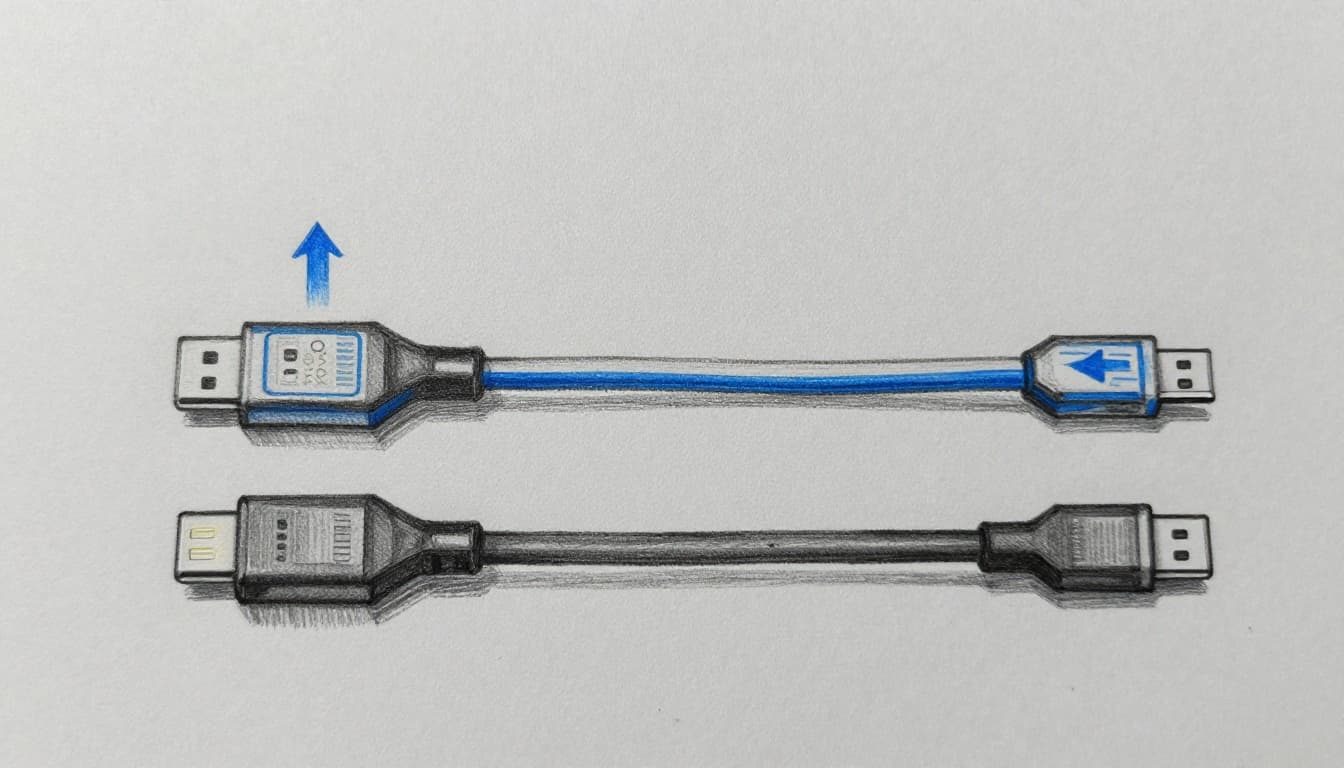
For a fast, real-world check, look for these labels on the cable:
- PD 3.1 (when your device and charger support it)
- PPS (when your device uses it for tighter voltage steps)
- EPR / 240W-class rating for extended power scenarios
- Manufacturer claims that align with the watt level you expect
If you want an example of what goes wrong, pair a 45W phone charger with a low-quality cable. The system may negotiate down, and your phone can effectively behave like a 15W charge event. It will still charge, but it stops short of the rated speed because the cable becomes the bottleneck.
Quick checklist for cable selection:
- Confirm the device max charging wattage (from the device specs).
- Confirm the cable supports that wattage (not just “USB-C”).
- Prefer cables that explicitly mention PD 3.1 and PPS when advertised.
- Use the shortest practical length, because longer runs increase loss.
- Test with your actual devices, not only with charger ratings.
Charger Power Output and Compatibility
After cable capability, charger output becomes the next speed gate. A charger that cannot supply the requested wattage forces the device to throttle immediately. In multi-device homes, chargers with limited headroom create another common issue: one port can charge fast, while the other port shares power and slows down.
In addition, sustained high-power charging depends on thermal behavior. GaN chargers typically run cooler at the same output level, so they maintain performance for longer sessions. In contrast, some older brick-style chargers reduce power when heat rises.
From a compatibility standpoint, the charger must support the same negotiation protocol your device requests. For example, USB Power Delivery (USB PD) handles negotiation across many USB-C chargers, and PD 3.1 EPR enables higher power modes when the full chain supports it. If the charger only supports an older PD behavior, it may cap at a lower watt setting even with a capable cable.
Multi-port behavior also matters. Many chargers use one power budget and split it across ports, based on which ports you use simultaneously. Therefore, a 65W charger can still be fast on one device, while charging two devices at once at reduced rates.
Key requirements to match in practice:
- Match or exceed device max wattage (for example, choose a charger that can deliver at least the phone’s supported fast-charging wattage).
- For laptops, select a charger aligned with common needs, such as 65W-class units (many thin laptops expect 65W or higher).
- For phones, many setups still perform best when the charger can deliver 45W-class or higher if the device requests it.
- For laptops and phones that support it, select chargers that advertise GaN and PD 3.1 compatibility.
- When using multi-port chargers, confirm how power splits across ports.
A short operational gotcha applies here: proprietary fast-charge systems may require their own cable and charger pairing. Some brands use unique voltage or handshake behavior, so a “USB-C cable” that works for standard PD may not trigger maximum output for proprietary modes (example: OnePlus SuperVOOC style needs specific support). In these cases, the charger and cable must match the brand’s fast-charge requirements, not only the connector.
Also, you should validate your chain by testing. Start with a direct wall charge, use the same cable across tests, and then compare reported charging speed in your device’s battery or charging indicator. If you see a consistent downgrade, the cause usually sits in the charger budget, port sharing, or cable certification.
One more practical reference point: for PD 3.1 and EPR behavior, see what USB-C PD 3.1 delivers. For EPR cable expectations, review an EPR-rated option such as a 240W PD 3.1 USB4 cable.
Bottom line for this sub-section: a charger sets the ceiling, the cable keeps the ceiling reachable, and the device only accepts what negotiation and safety allow.
Charging Protocols and Standards That Dictate Pace
Charging speed does not depend only on watt numbers on a box. It depends on whether the charger and device perform the required handshake and agree on safe operating limits. As a result, two chargers that both look “fast” can still produce different speeds when their negotiation steps differ.
In practice, charging protocols act like a contract. The charger offers terms. The device accepts, rejects, or requests changes. Next, the protocol defines what can happen electrically, and how tightly voltage can be adjusted during the charge curve.
USB PD 3.1 and PPS Explained Simply
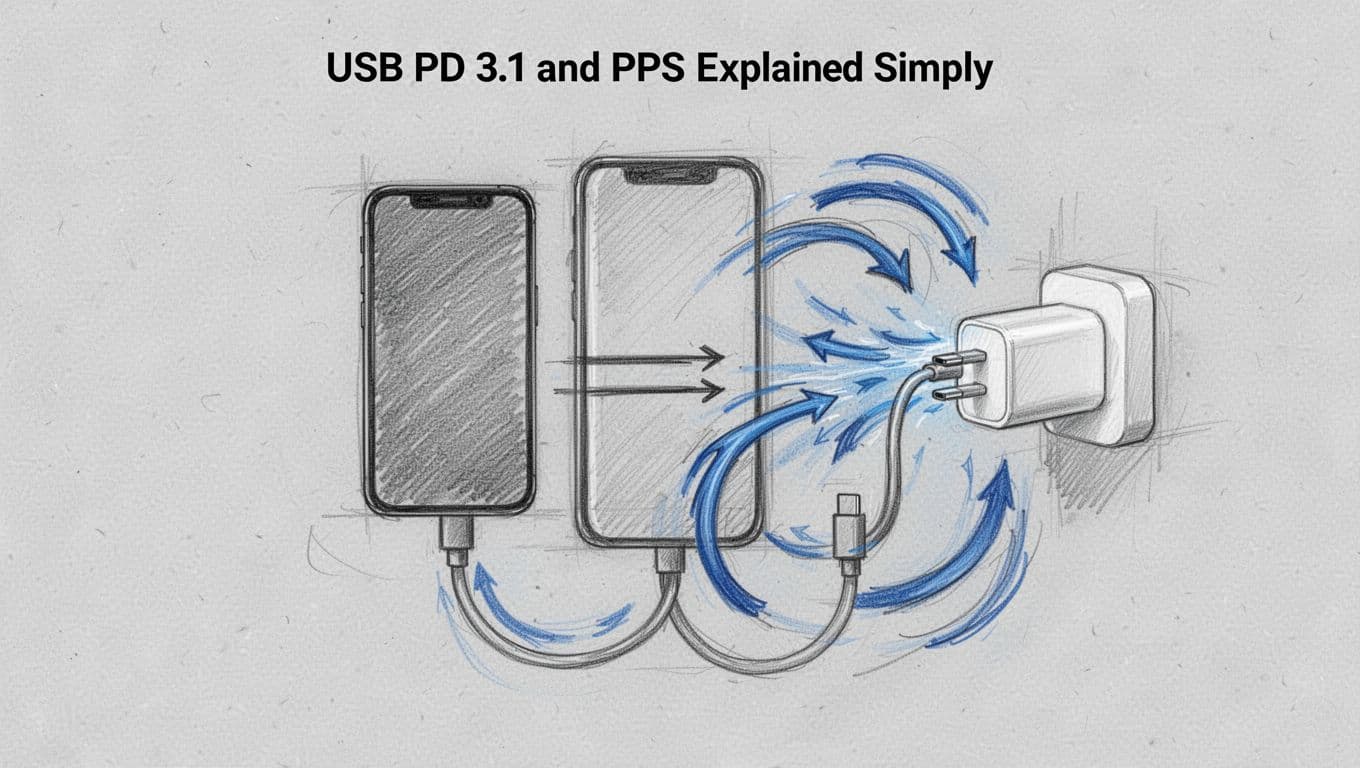
USB Power Delivery (USB PD) defines the negotiation process for power over USB-C. During negotiation, the device and charger exchange capabilities, then select a set of voltage and current targets. Therefore, PD 3.1 matters because it expands the allowed operating range, including higher-voltage levels used for higher wattage.
In addition, PD alone often leaves voltage adjustment relatively coarse. This is where PPS (Programmable Power Supply) enters the compliance chain. PPS allows the device to request dynamic voltage changes during charging. Because the device can pick a closer match to battery needs at each moment, the system can reduce stress and heat compared with “one-size-fits-all” voltage steps.
For a user-facing explanation, PD is the standardized set of permitted offers, while PPS is the fine-tuning mechanism once an offer is accepted. When both are supported, the charger can provide higher power modes, and the device can adapt that power as temperature and battery state evolve.
Key operational outcomes typically include these behavior patterns:
- Fast charging starts at a higher power phase, when the battery accepts more input with tolerable heat.
- Mid-charge then tightens control, because battery chemistry and thermals require a lower and cleaner power profile.
- Near-full charge tapers output, so the device can stay within safety limits.
For reference, see PD 3.1 vs PPS fast charging guide for a side-by-side look at how negotiation and power control differ.
One compliance risk also appears in mixed setups. If a phone supports PD 3.1 but the charger only supports older PD behavior, the device may still charge, but it will settle for a lower negotiated profile. Similarly, if PPS support is missing, voltage control becomes less precise, and the system often throttles earlier.
In short, PD 3.1 sets the approved maximum power envelope, and PPS reduces waste by adjusting power in smaller steps. Together, they help the device reach higher sustained rates without exceeding thermal and battery protection boundaries.
Wireless vs. Wired: Why Qi2 Lags Behind
Wireless charging uses inductive coupling, which imposes physics-based limits even when the standard is modern. Qi2 improves wireless alignment by adding magnetic guidance, but it still cannot match the electrical efficiency of a wired USB-C path. In other words, Qi2 may reduce misalignment losses, yet it still must transfer energy across an air gap.
As a result, wired charging usually sustains more power for longer intervals. The device can also negotiate higher watt modes over USB-C with PD 3.1 and PPS, while wireless systems often operate with stricter power and temperature ceilings.
For Qi2, the practical “lag” typically comes from three governing factors:
- Transfer efficiency losses through coils and the air gap. Even with alignment magnets, some power becomes heat in the transmitter and receiver.
- Thermal management limits. Wireless pads and phone backs heat differently, and the system often throttles to protect surface temperatures.
- Alignment sensitivity. Qi2 uses magnets to guide placement, but users still vary position, and the pad can only correct so much.
Qi2 also commonly targets a lower maximum rate than wired systems on major US models. In 2026, many flagships show typical wireless ceilings around 15W to 25W, while wired charging reaches 45W to 100W on mainstream US variants. This gap exists even when the phone supports fast wireless modes, because the wireless transfer channel fundamentally runs at lower effective power delivery.
If alignment is poor, the device may still charge, but it will request a more conservative operating mode. Therefore, the user outcome looks like “slower charging,” even though the phone still follows the negotiated safe profile.
For additional context on Qi2’s wireless behavior, see What Is Qi2? Wireless vs. Wired Charging Explained.
Finally, mixing protocols across connection types can create expectations mismatch. Wired platforms often use PD negotiation that can reach higher peak power modes, while Qi2 may not support the same high-watt envelope. When a charger or stand cannot hold the phone within a tight alignment tolerance, the system acts conservatively and reduces rate.
Bottom line for this sub-section: Qi2 can be convenient and efficient for wireless, but wired charging generally keeps higher power available, with tighter control over voltage and current.
Environment and Software Tricks Slowing You Down
Charging speed can change even when the charger and cable remain constant. In practice, the device applies safety rules tied to temperature, then applies lifespan rules tied to the charge curve. If either rule triggers, the phone will throttle, pause, or taper the accepted power.
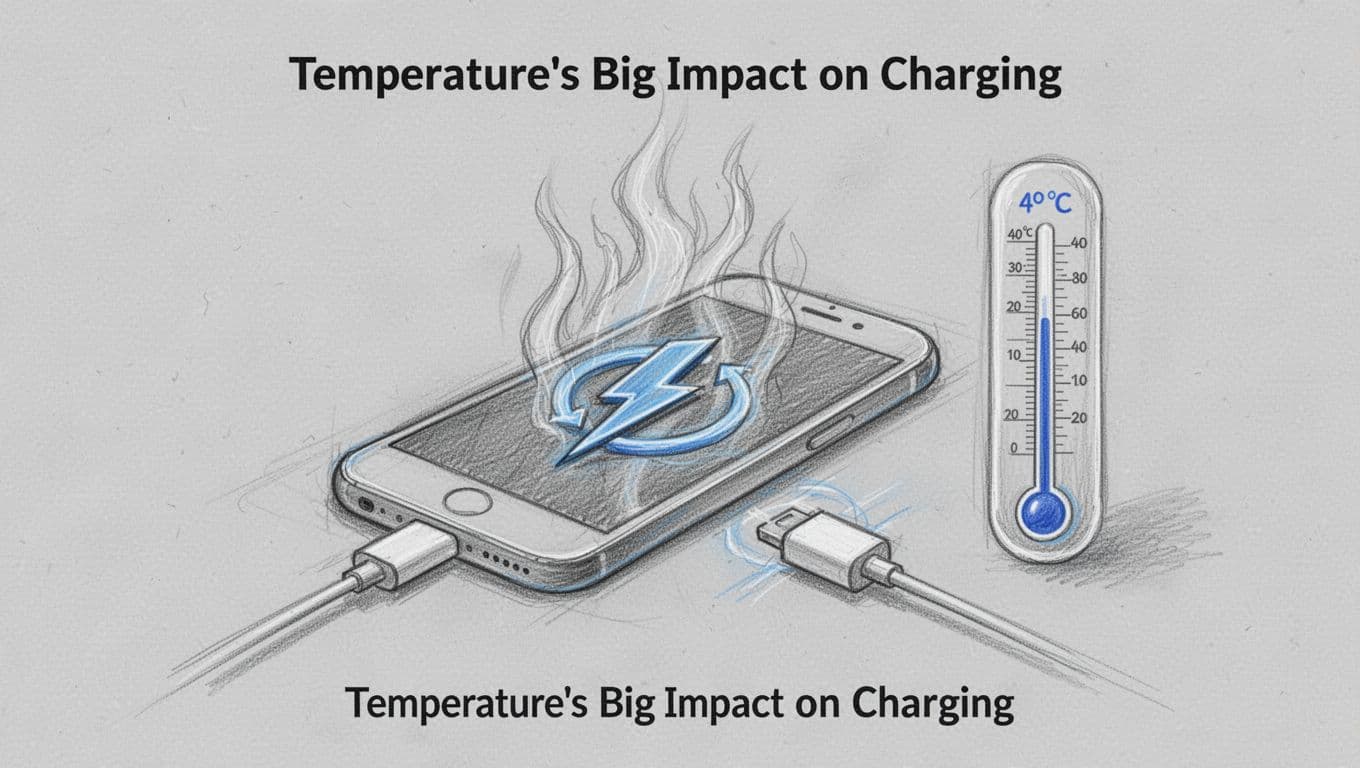
Temperature’s Big Impact on Charging
The device monitors battery temperature continuously, and it uses that data to control charging current. When battery temperature rises above about 40°C (104°F), most phones throttle to reduce stress and heat. Cold conditions also trigger protection, and below about 10°C (50°F) charging often starts slower, then ramps after the pack warms.
This behavior applies to normal user scenarios. For example:
- Leaving a phone on a dashboard in summer can push internal temps high, so the charging rate drops mid-session.
- Using the device while charging (navigation, camera, gaming) adds heat, so the phone may “hold” charging until cooling occurs.
- Charging outdoors in winter often shows slow progress at first, even with the same 45W-class charger and a certified cable.
As a result, two identical charging tests can produce different results purely from the environment. In addition, cases and covers may trap heat, which increases the chance of reaching the throttling point faster. If you need consistent fast charging, charging in a cool, dry spot is a direct control action.
Cold and hot also affect battery chemistry. That is why many manufacturers publish “charge in safe temperature” guidance, and why external references describe temperature-linked changes in lithium-ion performance. For a plain explanation of temperature effects, see does temperature affect phone charging speed.
Finally, weak outlets and shared power can amplify the issue. If your wall feed drops under load, the charger may provide less stable power, and the device compensates by requesting lower current. Multi-port chargers can behave similarly when power gets split across devices.
Software Limits and Brand Optimizations
Even when the temperature stays within a safe window, software still limits charging behavior. Most modern systems use a taper-off curve designed to protect the battery, and the charging system often targets peak speed between roughly 20% and 80%. After that range, charging tends to slow because the device reduces current to avoid heat and keep cell stress within limits.
This curve explains common real-life confusion. A phone can add charge quickly during the first half of the session, then slow down noticeably after you cross the mid-range. Users often interpret this as a charger problem, but the charger can only deliver what the device asks for.
Brand-specific tuning then changes the visible timing. For example:
- Apple-style behavior tends to prioritize safe, cool charging and may adjust rates to reduce heat buildup during longer sessions.
- OnePlus-style behavior often aims for raw speed earlier, so the phone may accept higher power sooner, then taper once the software detects conditions that raise risk.
At the policy level, these mechanisms usually combine three controls:
- Battery state (charge level, health, and protection thresholds).
- Temperature trend (not only current temperature, but how fast it changes).
- Thermal and power budgeting (including adapter limits and multi-device power sharing).
Operationally, the fastest window occurs when the phone can accept higher current without overheating, and when the device still permits the “bulk” phase. If you charge from a very low battery, you may not see full peak instantly, because the pack may require initial stabilization. If you charge near full, you will see taper quickly, because the device has less headroom to reduce stress.
Conclusion
Charging speeds vary between devices because the full charging chain must agree on limits, not just advertised wattage. The device sets the practical ceiling, the cable and charger must safely support that ceiling, and the negotiated USB PD profile then decides what power actually flows. Temperature and software protection rules also apply, so the same setup can still reduce power when heat or battery state calls for it.
For correct outcomes, you should treat USB PD 3.1 EPR as the governing requirement for high-watt charging, then match the device, cable, and charger so negotiation can reach the top supported mode. Next, test your speeds with the actual gear you plan to use, and avoid charging in hot conditions to maintain the highest sustained rate. These steps reduce uncertainty, save time, and help protect battery health over repeated charge cycles.
Looking ahead, 2026 adoption is already pushing more systems toward USB-C charging rules, and higher-power PD 3.1 EPR (240W-class) gear is becoming more common in high-end laptops and chargers.
Share the charger setup that gave you the slowest result (device, watt rating, cable type, and whether it was wired or wireless) in the comments. Then subscribe for practical tech checks you can run before you buy, because why charging speeds vary between devices often comes down to one missing match.